
FREE CAPTURE ONE STYLE - BLUE TINT

Here’s a free Capture One style to make your studio shots look stylish 🩵

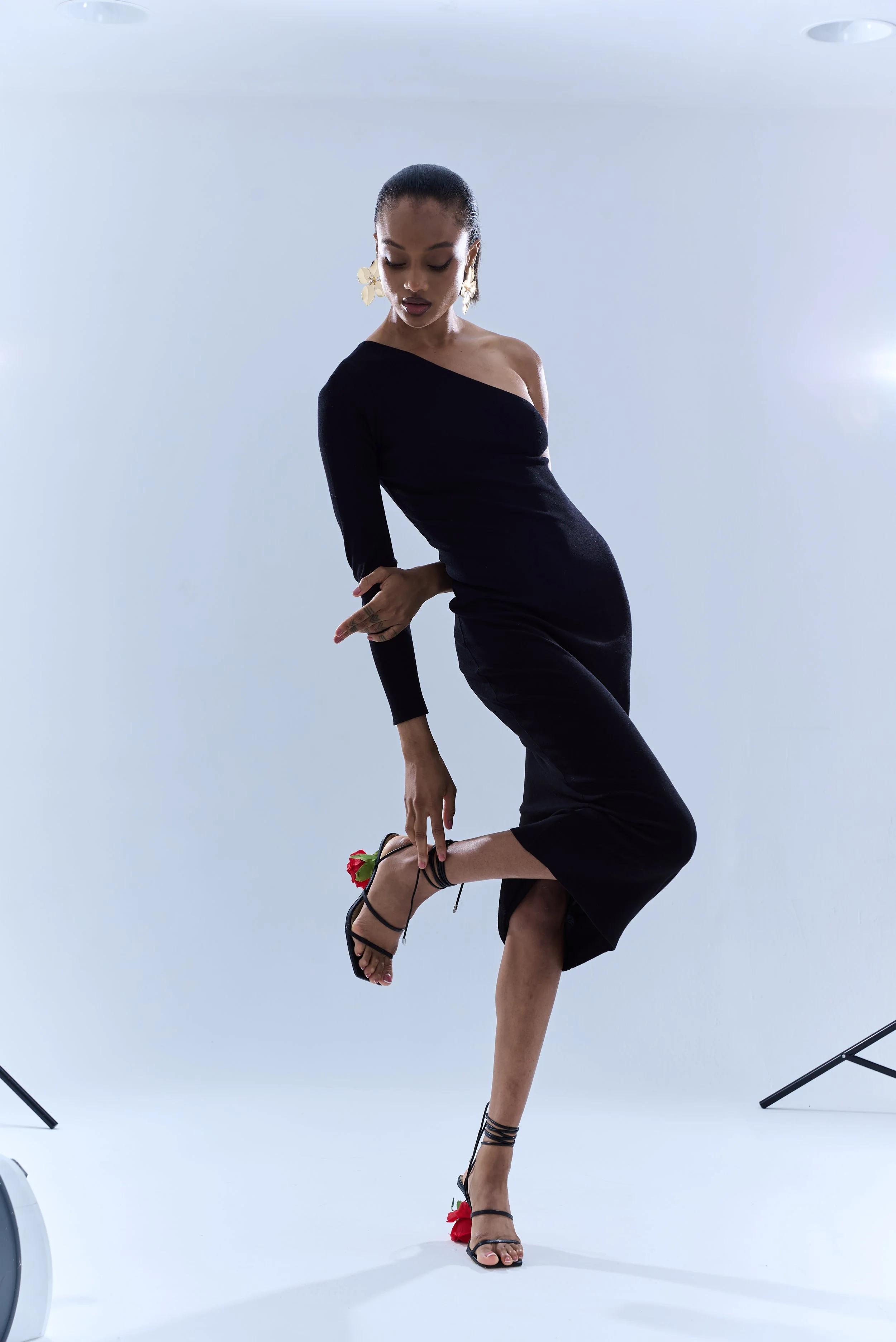
IMPORTANT: To get the best results, make sure your original RAW file has a similar lighting and exposure to mine in the example (“before”).

Every photo is different, so always adjust settings like exposure, contrast, and white balance to fine-tune the look and match your image perfectly.

How to Install Capture One Styles
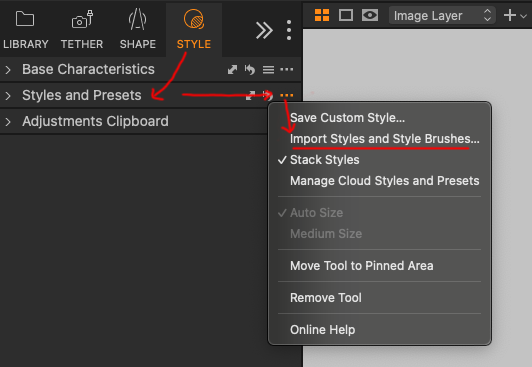
Guidance on how to Install Capture One Styles
  1. Open Capture One

  2. Go to Styles tab → Styles and Presets

  3. Click the three-dot menu (•••) and pick “Import Styles and Style Brushes”

  4. Find the style file and click “open”

  5. Your Style will now appear under “Custom Styles”
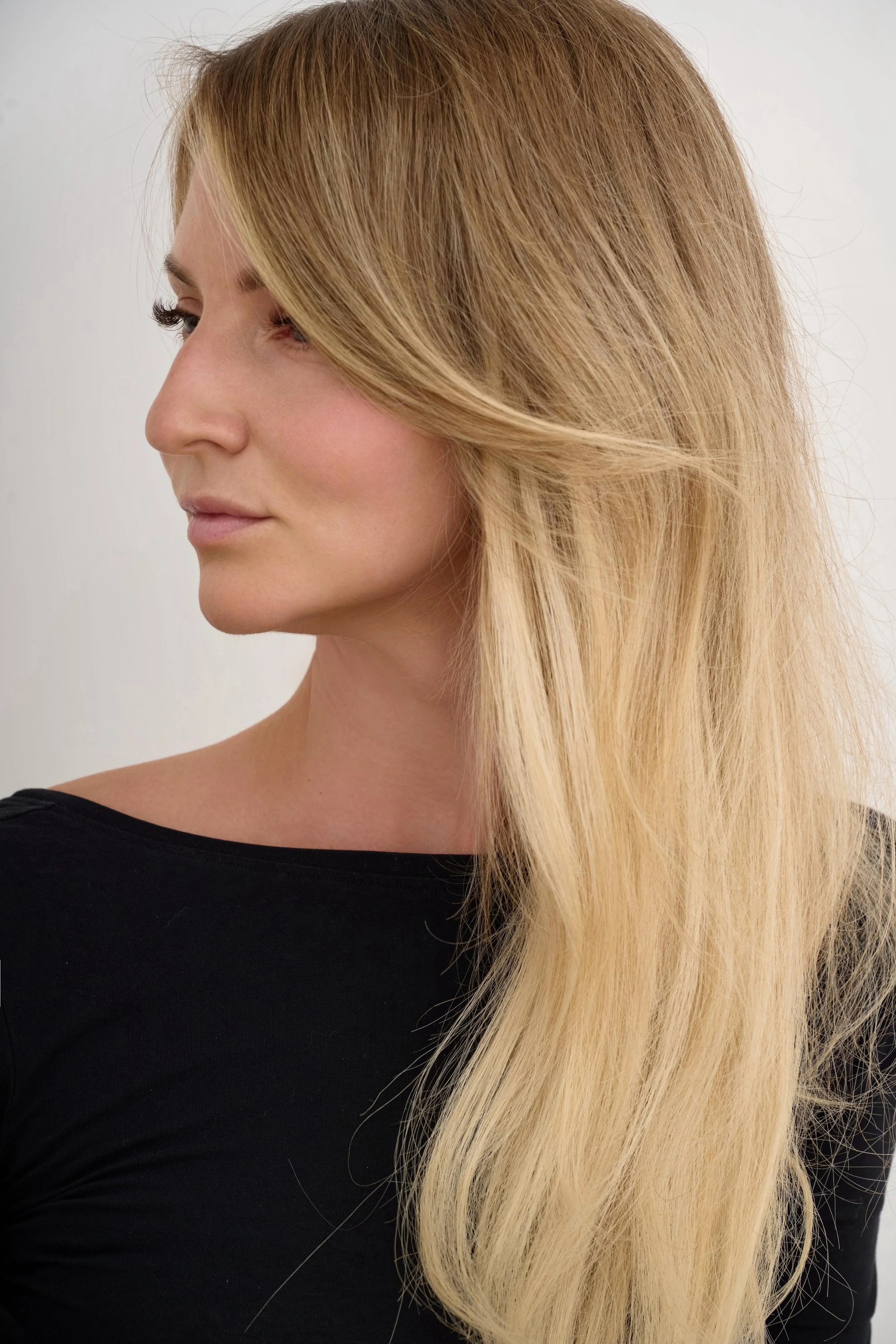
Jana Kukebal

Jana Kukebal is a London-based commercial photographer specialising in jewellery, fashion and beauty, with professional photography experience dating back to 2014. Alongside her work with brands and models, she shares practical studio lighting tutorials, photography techniques and insights from commercial shoots.

Previous
Previous

Jewellery Model Photography for Small Brands: How to Get Professional Results on a Realistic Budget

Next
Next

How I Recovered My Photos from HDD that mac stopped showing up